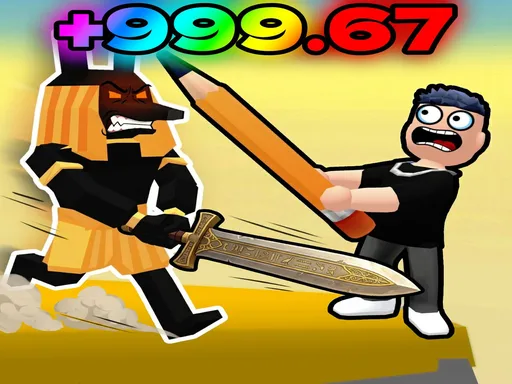
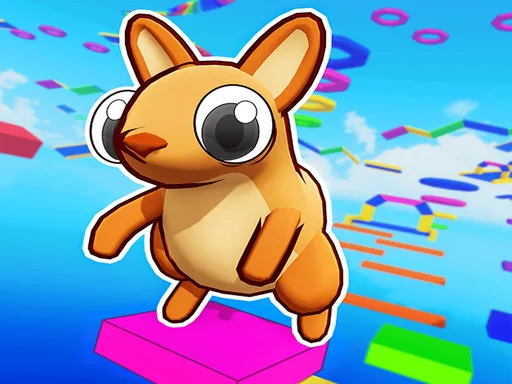

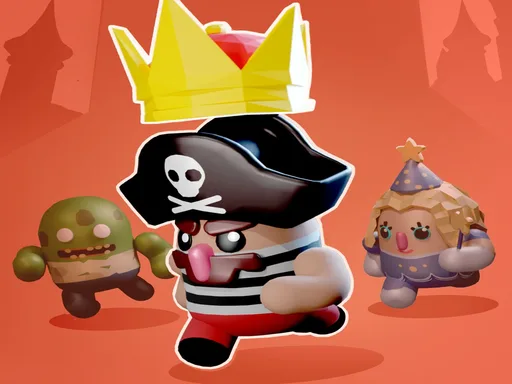








This is Rainbow Obby unblocked: the full game loads straight from rainbowobby.one in your browser, so you can play Rainbow Obby online free on a school Chromebook, a laptop or a phone with no download and no sign-up.
What is Rainbow Obby?
Rainbow Obby is a 3D multiplayer game by emolingo games, built with the PlayCanvas engine. It opens on a menu of game mode cards, each with a live count of the players in it. The full release has more than ten modes, most of them obstacle courses (“obbies”) you run, drive or fly through.
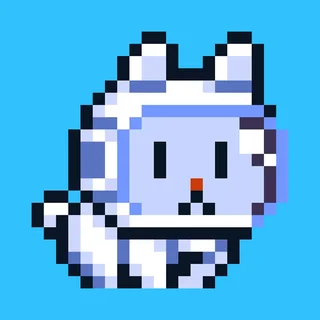
The copy on this site contains Cat mode, the card marked “NEW!!” in the menu. You play a small cat in a very large house. Balls, teddy bears, plates, lamps, chairs and other household items each have a health bar. Hit them to earn XP, fill the XP bar to gain a level, and doors marked with a level number open new parts of the house and garden once you reach it. Other players’ cats are in the same house at the same time, and they can slap you as easily as the furniture.
How to play Rainbow Obby
- Press Play above and wait for the “Choose game mode!” menu.
- Pick the Cat card. The game loads its assets and connects you to an online room.
- Walk up to a household item and hit it. Its health bar drops with each hit and you earn XP.
- Keep breaking items until the XP bar fills and your level goes up. Your level shows above your cat’s head.
- Find the doors with a level number on them. They open at levels 5, 7, 10, 15 and 20 and lead to new rooms with more items.
- Step onto the item pads around the house to pick up a jetpack, a flying carpet or a new cat skin.
Rainbow Obby controls
| Action | Desktop | Phone / tablet |
|---|---|---|
| Move | W A S D or arrow keys | Joystick on the left of the screen |
| Jump | Space | Jump button |
| Turn the camera | Move the mouse | Drag on the screen |
| Zoom the camera | Mouse wheel | – |
| Hit an item or a player | Left click | Slap button |
| Choose an inventory slot | Number keys 1–9 | Tap the slot |
| Fly with the jetpack | Hold Space | Hold the jump button |
| Respawn | R | The (R) button, top left |
| Menu | Menu button, top left | Menu button, top left |
Game modes in this copy
- Cat mode. The online house described above: break items for XP, level up, open level doors and share the rooms with other players.
- Private rooms. From the menu inside Cat mode you can create a room or join one by typing its room code, so friends can play in the same house.
The menu also shows cards for Classic, Troll, PVP, Knockout, Car, Bike and other modes from the full release. Those modes are not included in this copy and stay on the loading screen, so pick the Cat card.
Tips for Cat mode
- Read the health bar before you commit. Item health ranges from 1 point to 2,000. A guitar has 6, a teddy bear has 1,000. At low levels, break the weak items first and come back for the big ones later.
- Watch the level doors. A door only opens at its level, and the rooms behind it hold new items. Plan your route around the next door you can open.
- Use the jetpack for height. Shelves and tables are tall for a cat. With the jetpack in a slot, hold jump to fly up to items you cannot reach by jumping.
- Respawn when you are stuck. If your cat is trapped behind furniture, press R or tap the (R) button to start again from the spawn point without losing your level.
- Zoom out in tight rooms. The mouse wheel moves the camera closer or further away, which helps when large furniture hides your cat.
Playing on a phone, tablet or Chromebook
Rainbow Obby supports touch. On a phone or tablet a joystick appears on the left, with jump and slap buttons, and dragging on the screen turns the camera. It works in both landscape and portrait, but landscape shows more of the room. On a Chromebook or laptop use the keyboard to move and the mouse to look and hit. Your level and XP are kept in the browser’s storage, so use the same browser on the same device to carry on. Cat mode needs an internet connection because rooms run on the developer’s server.
Frequently asked questions about Rainbow Obby
Is Rainbow Obby unblocked at school?
Rainbow Obby runs in an ordinary browser tab from rainbowobby.one, with nothing to download or install, so it plays on most school Chromebooks and work computers. If a network filter blocks the site, only that network's administrator can change it.
Is Rainbow Obby free to play here?
Yes. The game runs in this page with nothing to download or install. Press Play, wait for the mode menu, then pick the Cat card.
Who made Rainbow Obby?
Rainbow Obby is made by emolingo games. It is a 3D game built with the PlayCanvas engine, and its full release has more than ten modes.
Which modes work on this site?
Cat mode. The menu also shows Classic, Troll, PVP, Knockout and other cards, but this copy only contains the files for Cat mode, so the other cards stay on the loading screen.
How do I level up in Cat mode?
Hit household items such as balls, guitars and furniture until their health bar runs out. Hitting items earns XP, and a full XP bar raises your level. Doors marked with a level number open once you reach it.
Does my progress save?
Your level and XP are stored in this browser on this device. Clearing site data, a private window or a different device starts again from level 0.
Is it multiplayer?
Yes. Cat mode connects to the developer's online server, so other players' cats share the house with you and can slap you. You can also create a room or join one with a room code. You need an internet connection to play.
Can I play Rainbow Obby on a phone or tablet?
Yes. On touch screens the game shows a joystick on the left, a jump button and a slap button, and you drag on the screen to turn the camera.